Lesson Guides & Key Scenes: New Instructional Resources for Teaching with Film
Aug 31, 2026
By
Swank Motion Pictures
There is a difference between showing a film and teaching with one, and most of that difference comes down to what surrounds the viewing: previewing to find the moments that matter, writing discussion questions and connecting what students watch to what they are supposed to learn.
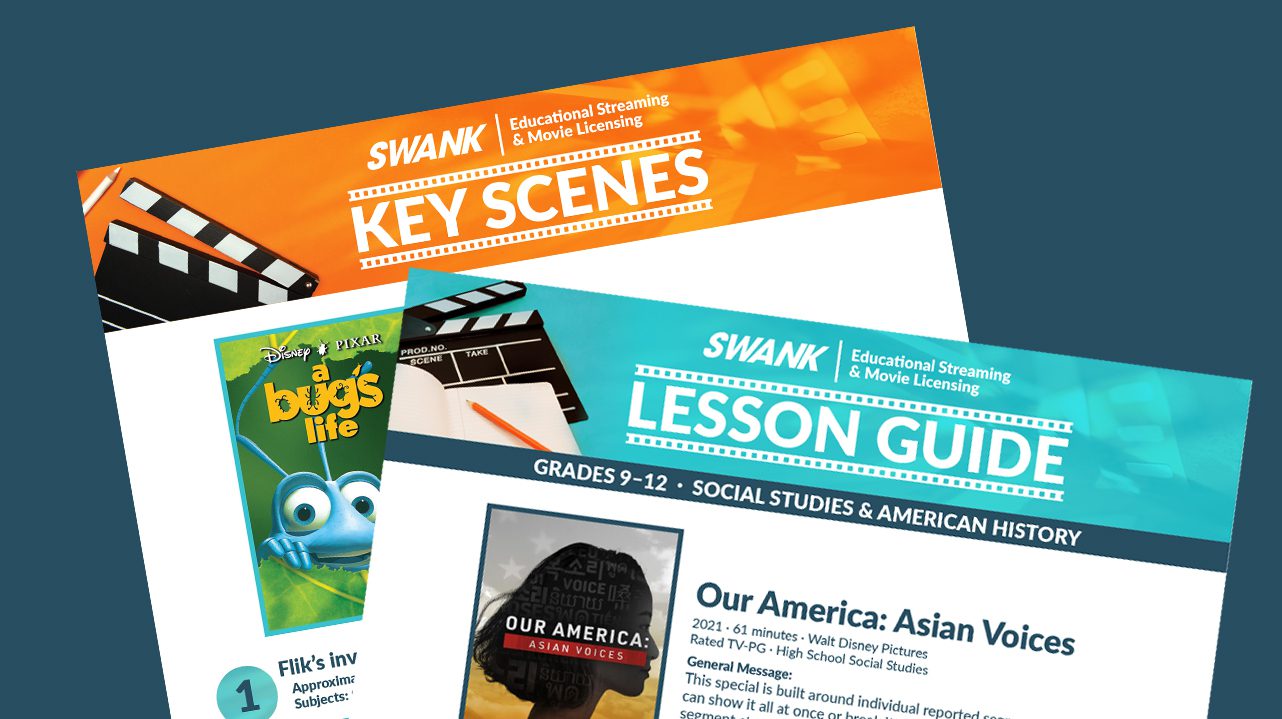
To help, we’ve added two new guides to our instructional resource library: Key Scenes Guides and Lesson Guides. Here is what is in each one and how teachers are putting them to work.
Key Scenes Guides
Our Key Scenes Guides highlight the most instructionally valuable moments from the films educators use most often in the classroom. Designed for teachers who want to use a film more efficiently, these guides make it easy to identify the right segment, connect it to learning objectives and bring it directly into instruction.
For each scene, the guide gives:
The moment itself. Where the scene falls in the film, so teachers can go straight to it instead of previewing to find it.
What it illustrates. A short explanation of the concept, theme, event or technique the scene demonstrates.
Practical applications. Concrete ways to use the scene in class, whether as a lesson opener, a discussion anchor, a comparison against a text or a writing prompt.
Subject tie-ins. The subjects and courses the scene supports, so a single moment can work across ELA, social studies, science, SEL and more.
Because the same scene often serves several subjects, one film can support more than one classroom. A moment flagged for historical context in social studies might be equally useful for a discussion of narrative perspective in ELA, and the guide points to both.
Key Scenes Guides also make creating bookmarks fast and easy. Because each guide identifies the scenes most relevant to classroom instruction, teachers can quickly turn those moments into targeted instructional resources. Rather than spending time searching through a film, educators can move directly from lesson planning to classroom implementation.
“The bookmark feature has been hugely popular. Teachers can set the start and end point, add directions and send it to students. It’s been a game changer.”
– District Librarian, Cherry Creek School District
Lesson Guides
Our Lesson Guides help educators discover meaningful ways to incorporate film into instruction. They are designed to spark ideas, provide instructional context and show how a film can support curriculum-connected learning goals.
Each Lesson Guide includes:
Lesson objectives. What students should understand or be able to do by the end, stated clearly enough to drop into a plan or share with an administrator.
Key vocabulary. Terms and concepts to front-load before viewing so students recognize them instead of missing them.
Discussion points. Questions for use during and after the film, structured to move students from what they saw to what it means.
Extension activities. Writing prompts, projects and analysis tasks that carry the learning past the screen and give you something to assess.
Curriculum connections. How the film and its scenes map to subjects, grade levels and learning goals.
The guides are flexible by design. Teachers can adapt individual components or incorporate the ideas that best fit their classroom needs.
How do teachers use the guides across a lesson?
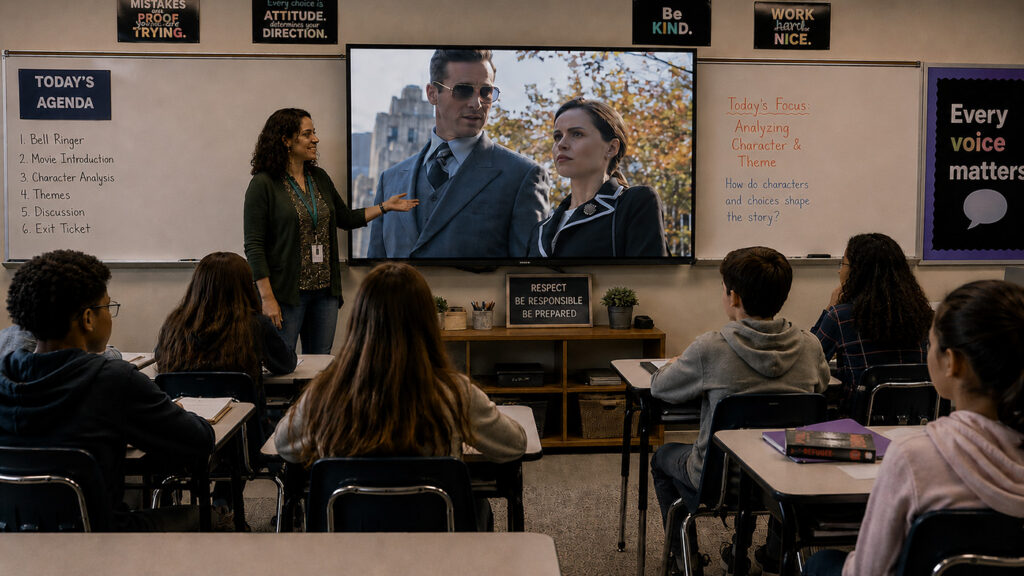
The resources are structured to support instruction and help align the use of video with overall lesson planning.
Before viewing: Introduce key vocabulary, build background knowledge and set a clear purpose so students know what to watch for.
During viewing: Show only the scenes selected for the objective, using bookmarks to keep every minute of screen time tied to the lesson.
After viewing: Move into discussion, writing, analysis or an extension activity that connects the scene back to the learning objective.
That structure also makes video use easier to explain. When a teacher can point to an objective, a vocabulary set and a discussion plan, the conversation with an administrator shifts from what students watched to what students learned.
Where to find the guides
Both guide types live inside the platform alongside the content they support, so there is nothing separate to download, track or store. When a film has a Key Scenes Guide or a Lesson Guide available, you will find it with the film.
We are continuing to expand both libraries, prioritizing the films educators use most and the subjects where video does the most instructional work.
Instructional support, not just a content library
We pair films, documentaries and educational series with the tools and resources that make them usable: Swank T.A. for standards and curriculum-based content suggestions, bookmarks for building focused segments, and now Key Scenes Guides and Lesson Guides for the instructional layer around both.
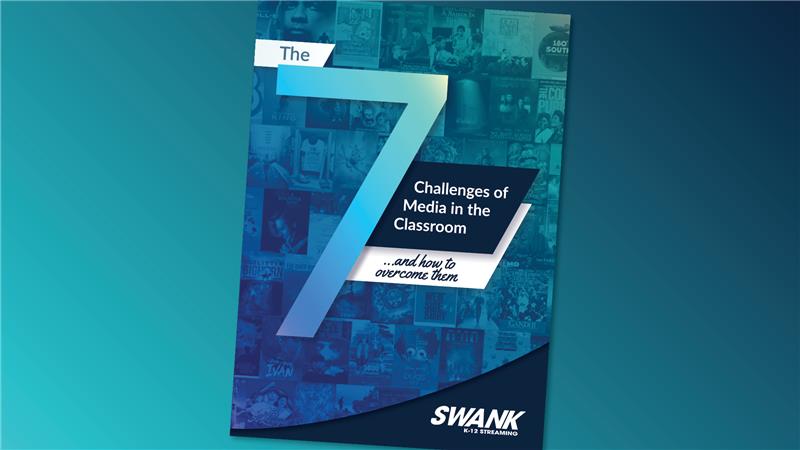
Discover the 7 biggest challenges of using media in the classroom – from access and training to engagement and copyright – plus practical insights to help educators use film and digital content more effectively.
Teaching Guides
Examples of Teaching with Film
With Swank Educational Streaming’s library of more than 40,000 movies and TV shows, it’s never been easier to press “play” on learning. Check out some of the films educators across the country use as resources for enhancing a variety of lesson plans.
Articles
How Shannon Miller Uses Video to Expand What’s Possible in the Classroom
District teacher librarian Shannon McClintock Miller shares how reliable access to classroom video helps teachers support instruction across grades and subjects.
Legal. Licensed. Built for K-12.
Join the schools and districts already using Swank to stream, teach, and screen with confidence.